Sore Wrist by Knock-Off? Better Mouse Pads for Long Desk Days
Why look at alternatives?
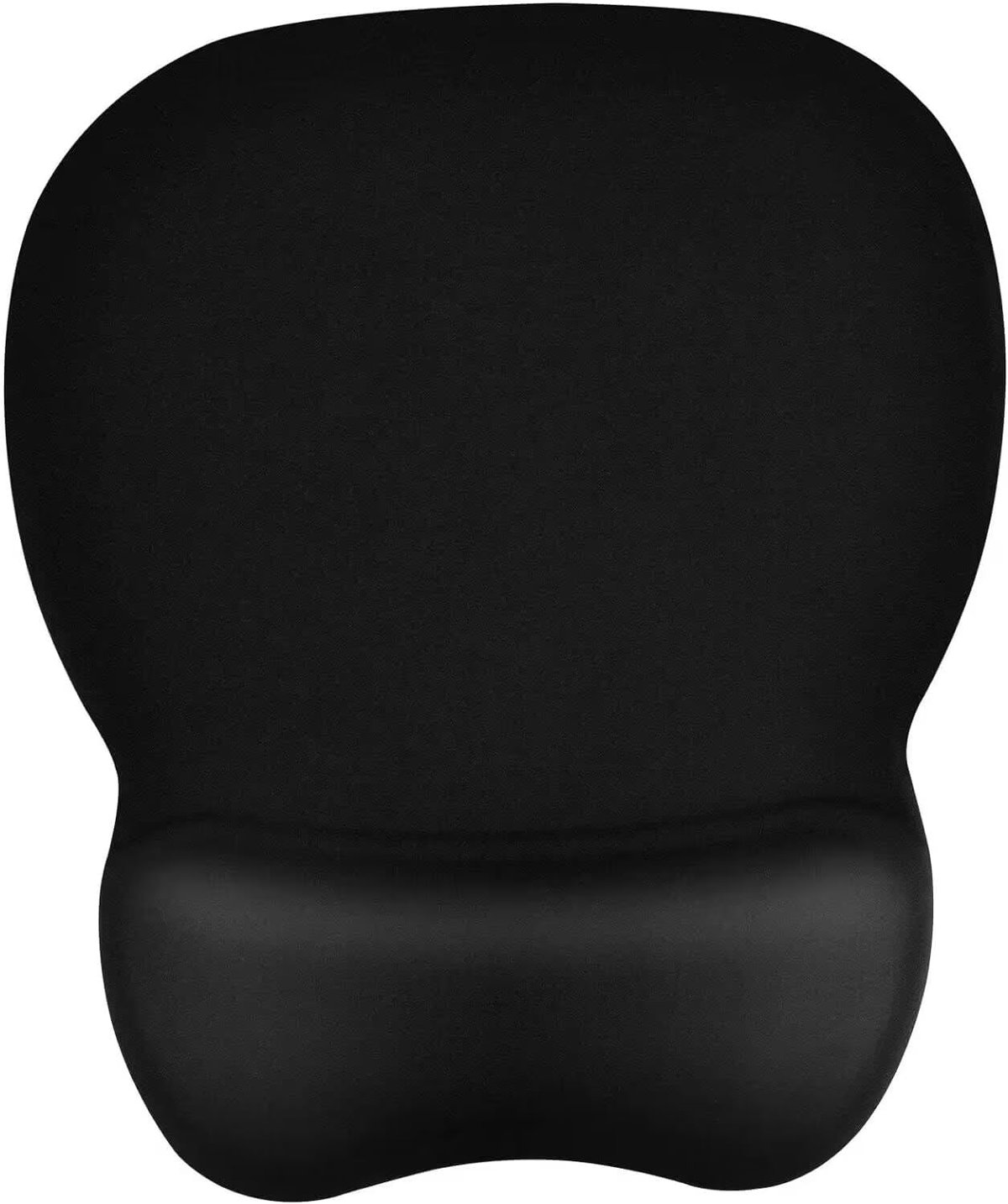
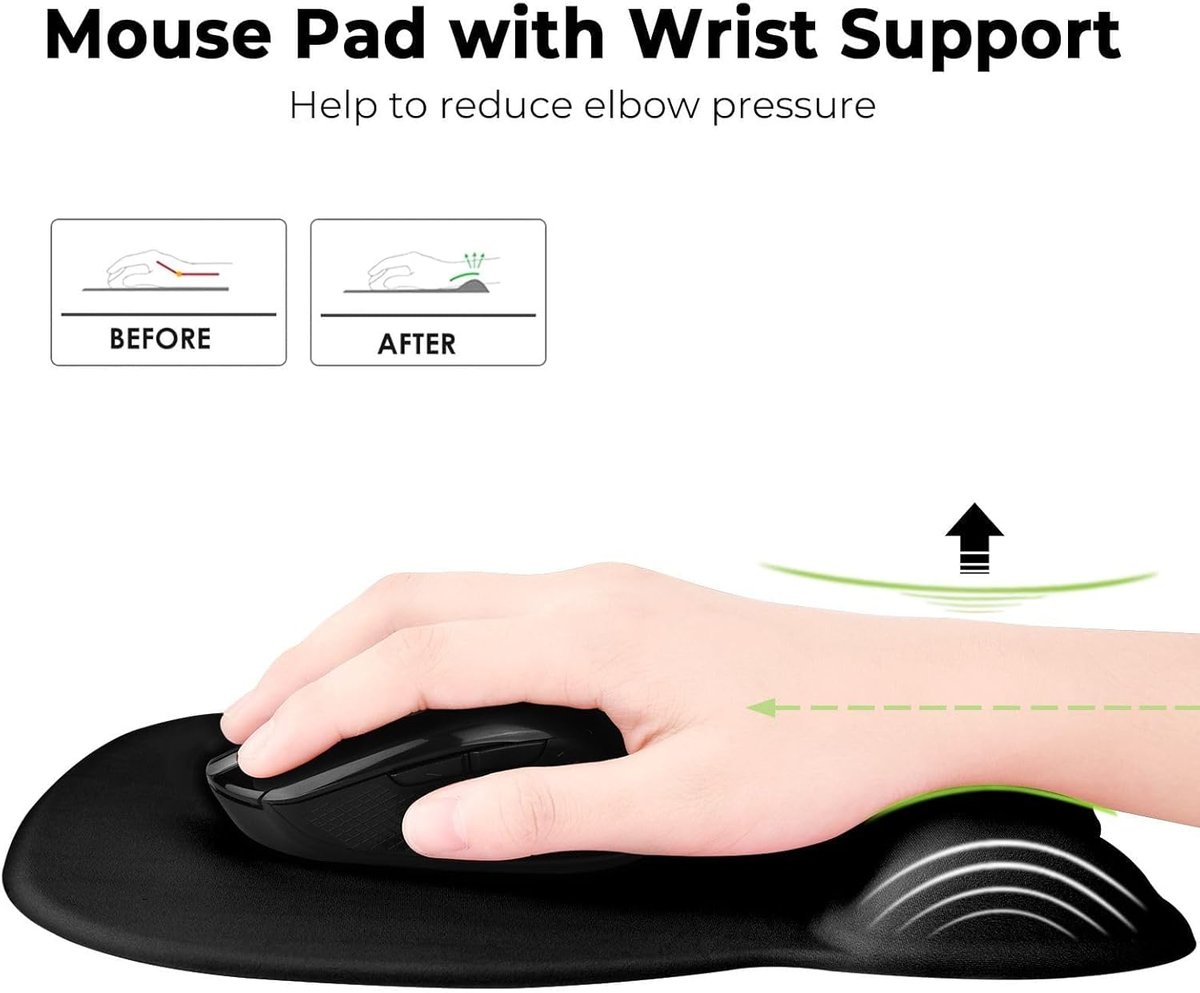
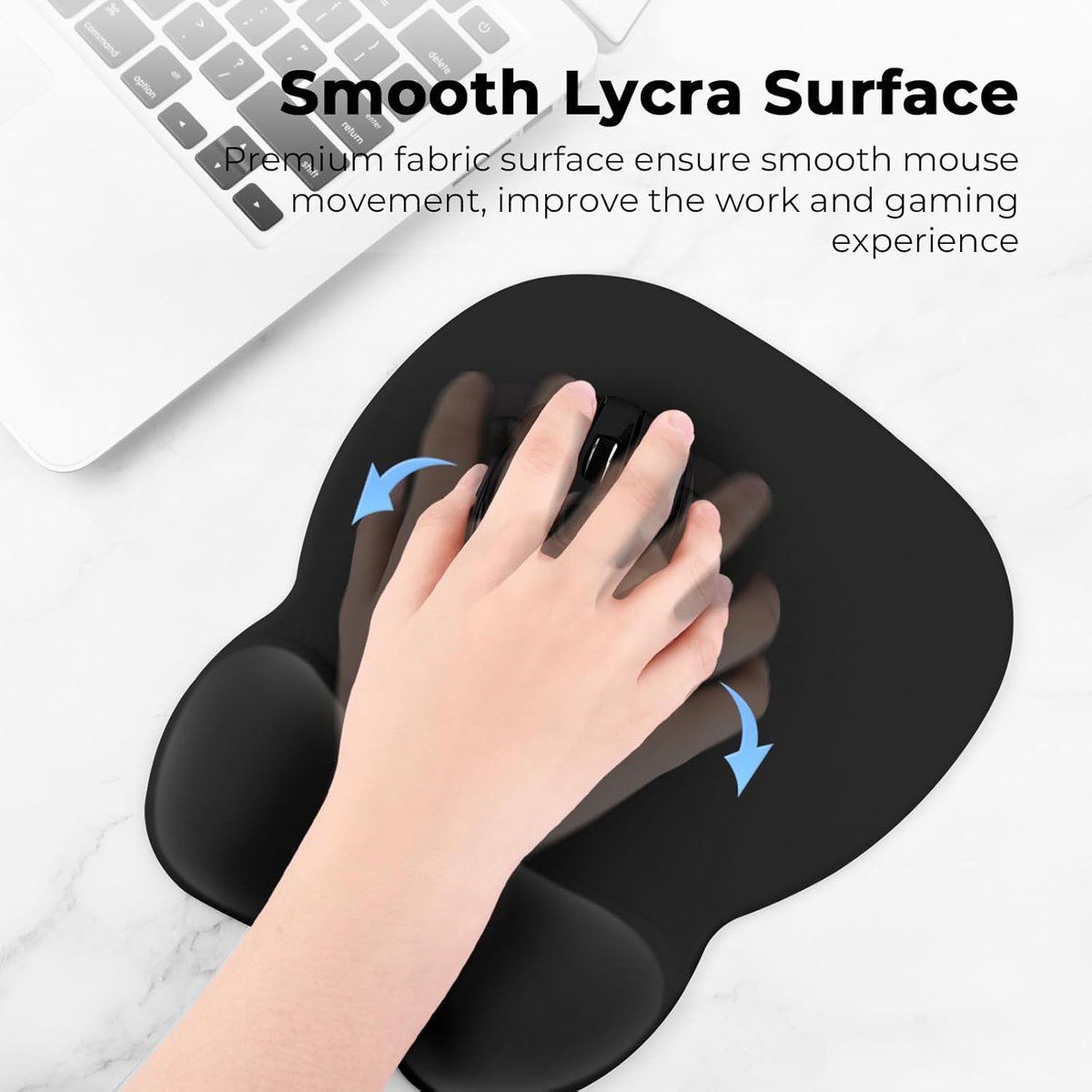
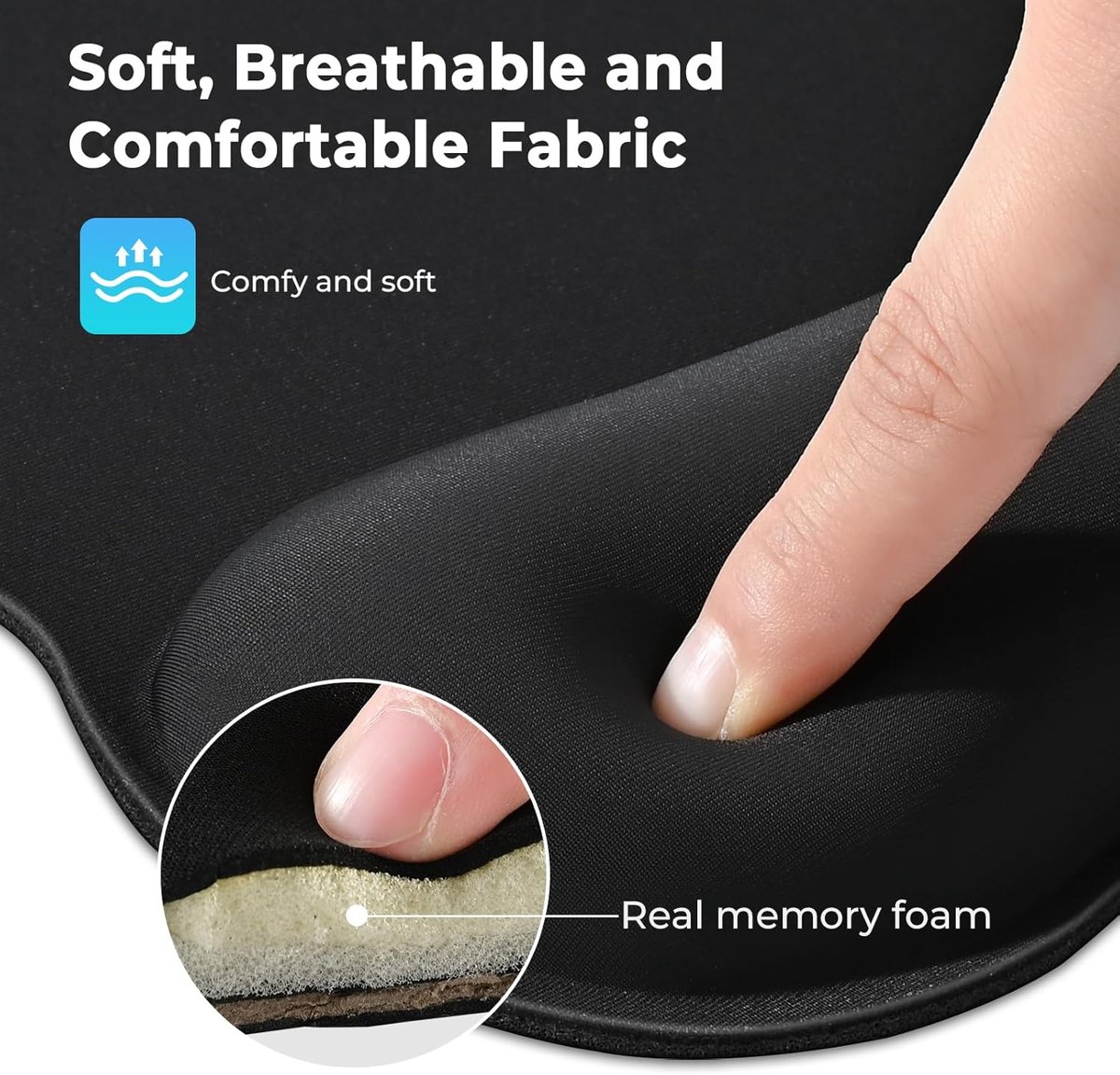
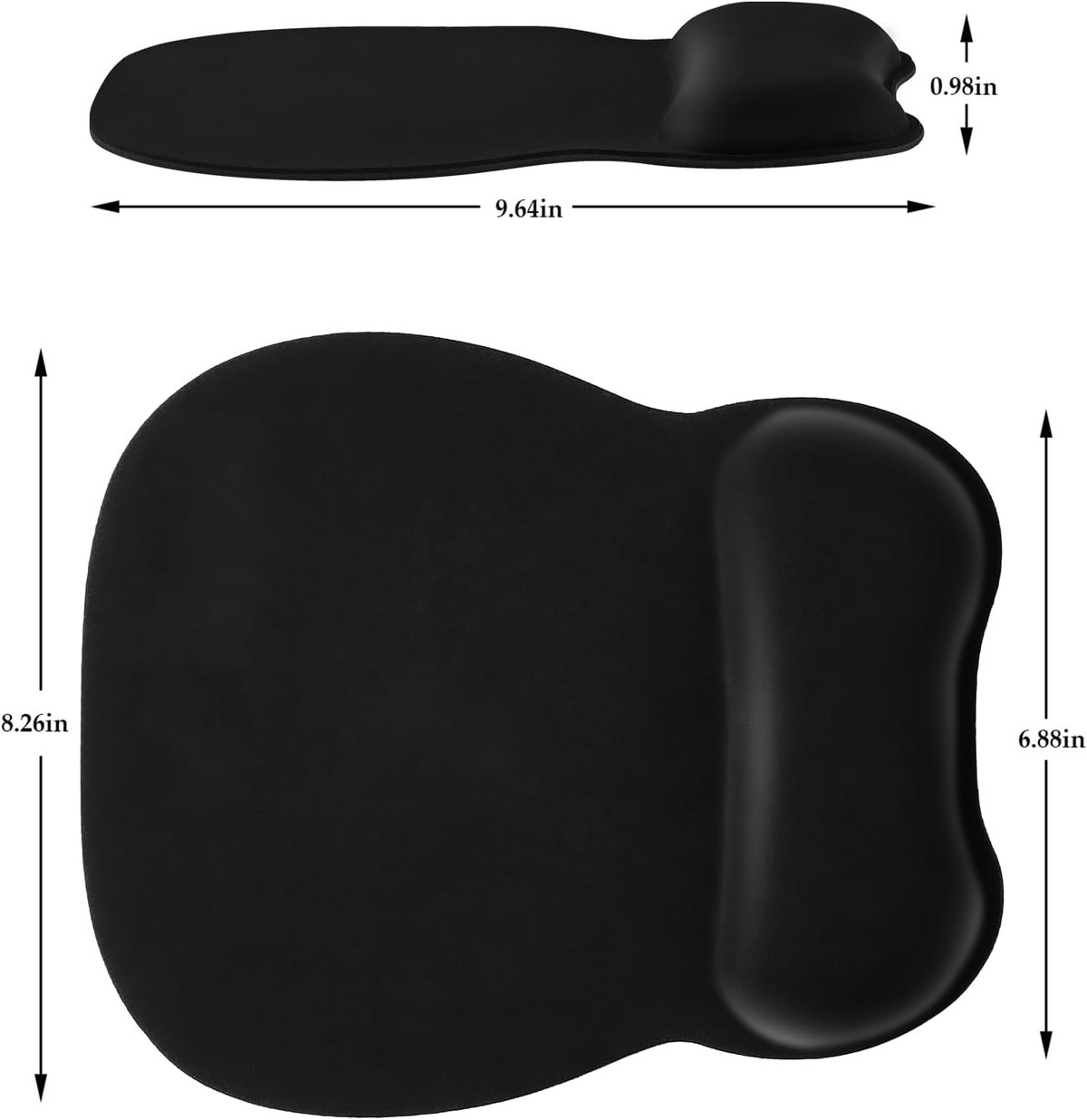
The EooCoo Ergonomic Mouse Pad with memory foam wrist support sits at the budget end of the market — typically around $12–13 AUD. For that price, you get a decent combination of wrist cushioning and a non-slip base. However, it may not suit everyone. If you're spending long hours at a desk doing invoicing, quoting, or managing job schedules, you might need firmer support or a larger surface area. Some users prefer gel-filled rests over memory foam, and others want a pad that handles high-DPI mice better for precise CAD work or design tasks. Brand availability can also be patchy — if you need a replacement quickly from a local retailer, generic imports aren't always on the shelf.
Alternative 1: Gel-filled wrist rest mouse pad
Gel wrist rests take a different approach to cushioning. Instead of compressing foam that slowly returns to shape, gel pads distribute pressure more evenly and tend to stay cooler during extended use. Products from brands like Kensington or generic equivalents typically sit in the $15–30 range depending on size and build quality.
When to choose it
- Your hands run hot, or you work in warm site offices where foam gets uncomfortable
- You prefer firmer, more consistent support that doesn't "bottom out"
- You want something that's easier to wipe clean after dusty job-site hands have been on it
The tradeoff
Gel pads are heavier and typically cost more. Some users find them too firm initially, and cheaper gel products can develop air bubbles or leaks over time. They also don't conform to your wrist shape the way memory foam does, which some people find less comfortable for all-day use.
Alternative 2: Standalone wrist rest with separate mouse pad
Rather than an integrated unit, you can buy a separate memory foam or gel wrist rest and pair it with whatever mouse pad surface you prefer. This modular approach is popular among users who want a specific pad texture — cloth for comfort, hard plastic for speed, or an extended pad that covers both keyboard and mouse areas.
When to choose it
- You already own a mouse pad you like and just need wrist support
- You want flexibility to upgrade or replace components independently
- You use a large or extended desk mat and want consistent wrist height across your workspace
The tradeoff
Two separate items can shift around on your desk, especially if neither has strong grip. You'll also spend more overall — a decent standalone wrist rest runs $15–25, plus whatever you pay for a quality pad. Setup takes more fiddling to get the alignment right.
Alternative 3: Premium ergonomic mouse pad from established office brands
Brands like Logitech, Fellowes, and 3M make ergonomic mouse pads designed for corporate and professional environments. These typically feature denser foam, antimicrobial coatings, and better quality control. Expect to pay $25–50 for these products, sometimes more for specialist ergonomic designs.
When to choose it
- You're setting up a proper home office or business premises and want gear that lasts years
- Warranty and local support matter to you
- You're buying multiple units for staff and need consistent quality across the board
The tradeoff
You're paying a premium — sometimes three to four times the EooCoo's price — for features that may not make a noticeable difference to casual users. The ergonomic benefits aren't dramatically better; you're mostly paying for durability, brand backing, and retail availability.
Alternative 4: Vertical mouse with minimal pad
If wrist strain is your main concern, the mouse pad might not be the problem. Vertical mice position your hand in a "handshake" grip that reduces forearm rotation and wrist pressure. Brands like Logitech, Anker, and others offer vertical mice from $30–80. You can then use any basic flat mouse pad or none at all.
When to choose it
- You've tried wrist rests and still get discomfort or strain
- You're experiencing early signs of RSI or carpal tunnel symptoms
- You're open to a short adjustment period to potentially solve the problem at its source
The tradeoff
Vertical mice take getting used to — expect a week or two of reduced accuracy. They're also bulkier, which matters if you travel with your laptop. And if your issue is desk height or chair position rather than mouse grip, a vertical mouse won't help.
Side-by-side comparison
| Option | Best for | Typical price (AUD) | Watch out for |
|---|---|---|---|
| EooCoo Memory Foam Mouse Pad | Budget-conscious users wanting basic wrist support | $12–13 | Foam may compress over time; limited local availability |
| Gel-filled wrist rest mouse pad | Users who prefer firmer, cooler support | $15–30 | Heavier; cheaper versions can leak or bubble |
| Standalone wrist rest + separate pad | Users wanting flexibility and customisation | $25–45 combined | Components can shift; more expensive overall |
| Premium branded ergonomic pad | Office fit-outs, long-term durability | $25–50 | Higher cost; benefits may not justify price for light use |
| Vertical mouse with basic pad | Users with wrist strain or RSI concerns | $30–80 for mouse | Learning curve; doesn't suit all grip styles |
Our pick for most tradies and small businesses
For most users doing a few hours of admin each day — invoicing, emails, job scheduling — the EooCoo pad is perfectly adequate and hard to beat at its price point. If you're spending serious hours at the desk and comfort is becoming an issue, step up to a gel-filled alternative or a premium branded option for better longevity. And if you're already noticing wrist pain that a cushioned pad isn't fixing, skip the band-aid solutions and trial a vertical mouse — it addresses the root cause rather than just padding around it. The best gear is whatever keeps you working without pain, so don't overthink a $12 purchase, but don't ignore genuine discomfort either.